
Track anything.
Say now
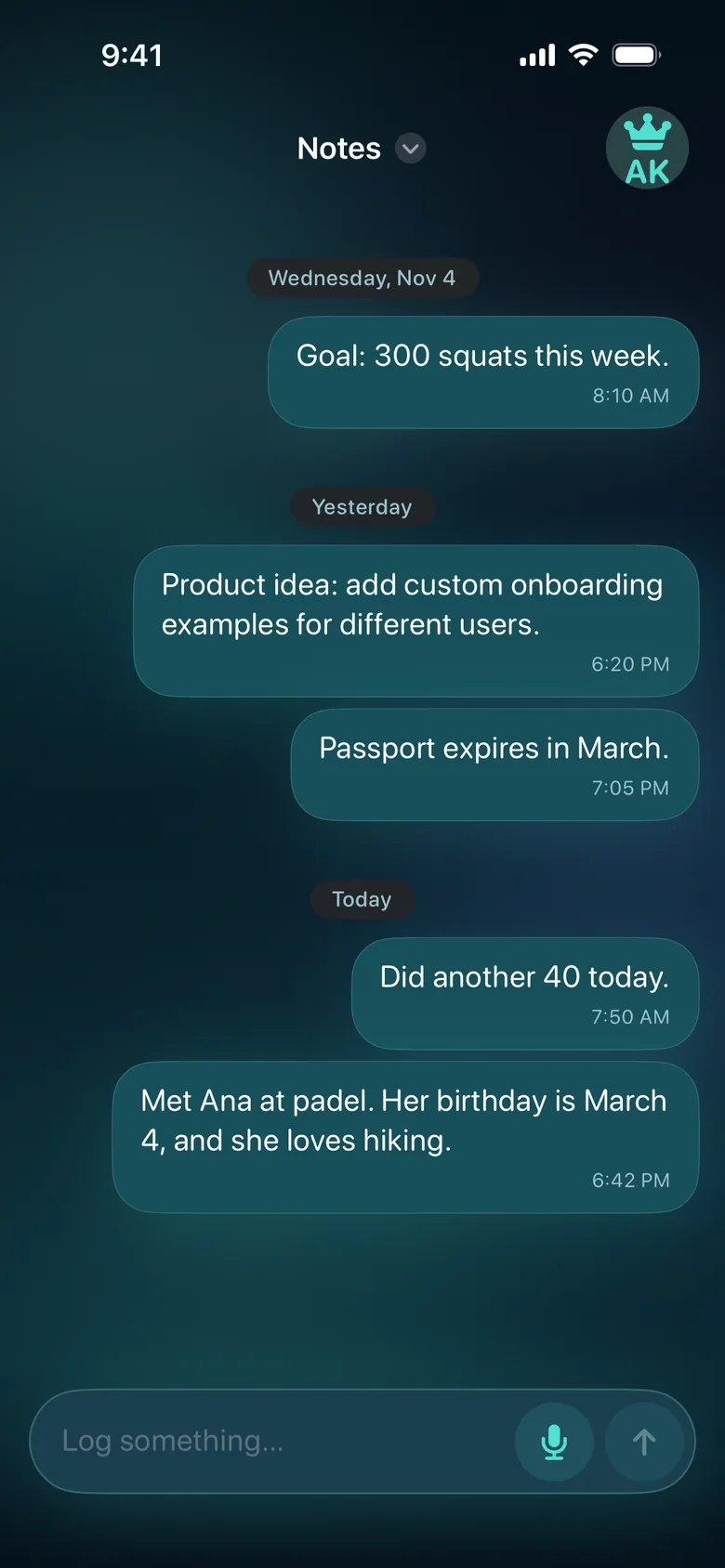
Goal: 300 squats this week.
Did another 40 today.
Ask later
How many squats have I completed this week?
Voice notes that work with your AI
Save a thought as text on your iPhone — even offline. With Plus, your notes sync so Claude or ChatGPT can read them when you ask.
Join the betaGet the beta on TestFlight In the EU? Join the beta on TestFlight.See how it works
TapAction Button or mic
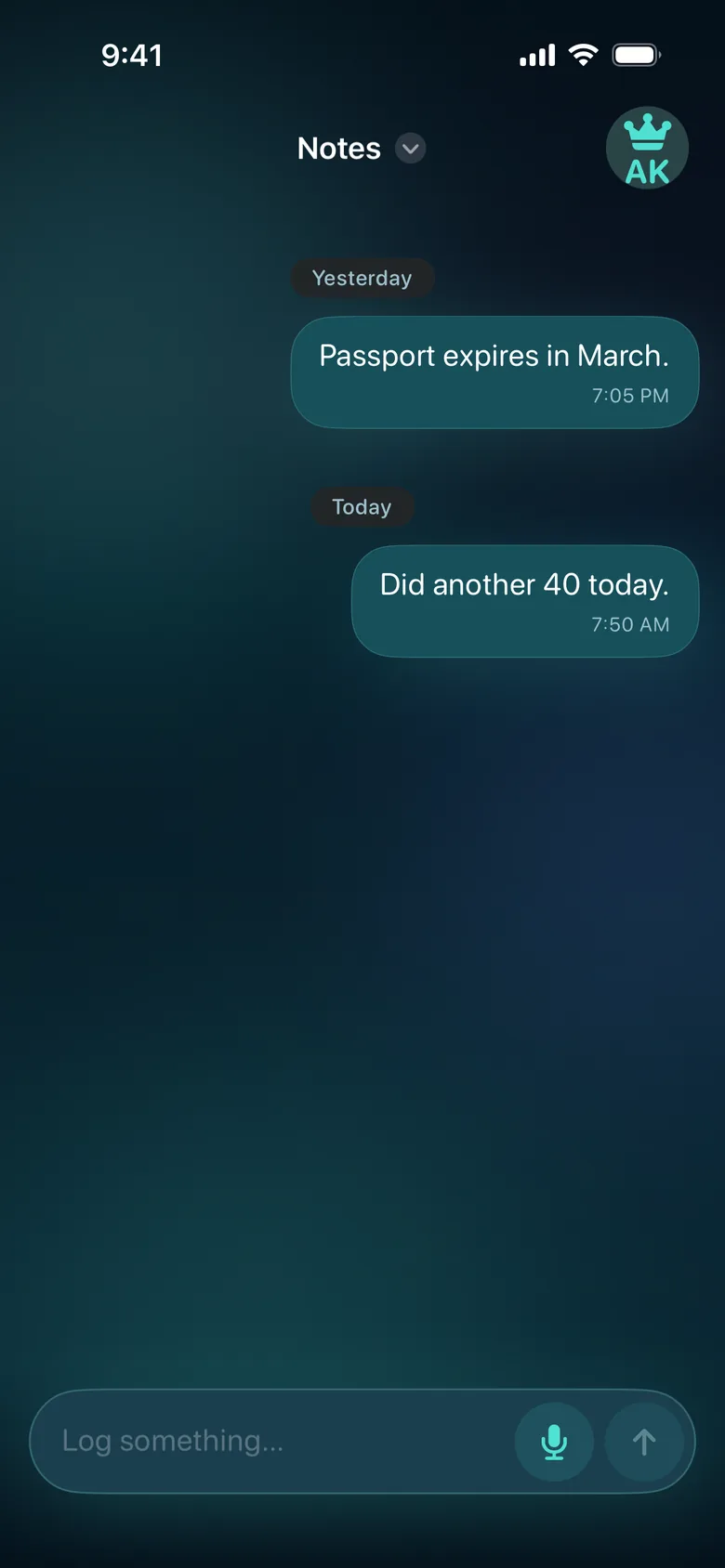
SpeakSay one thing
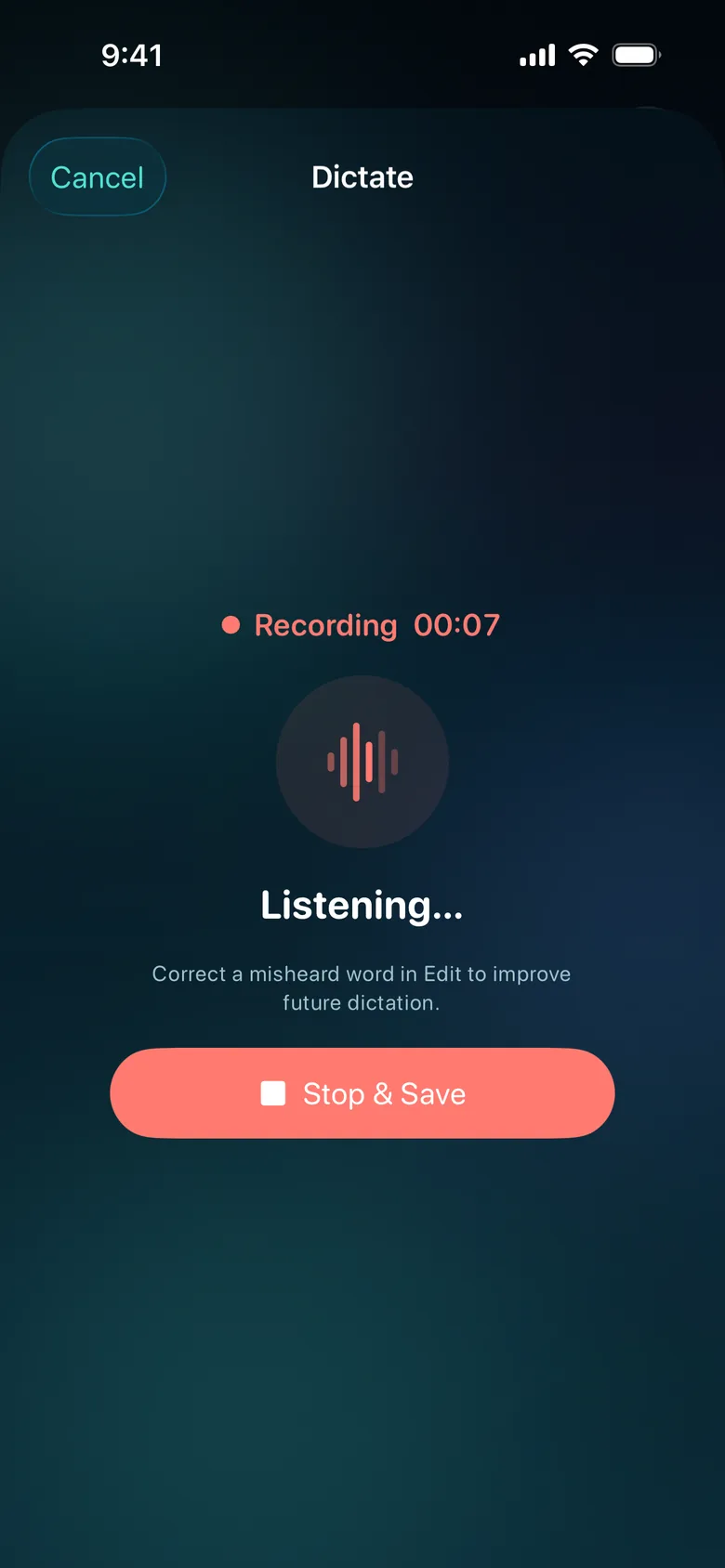
NotedSaved as text
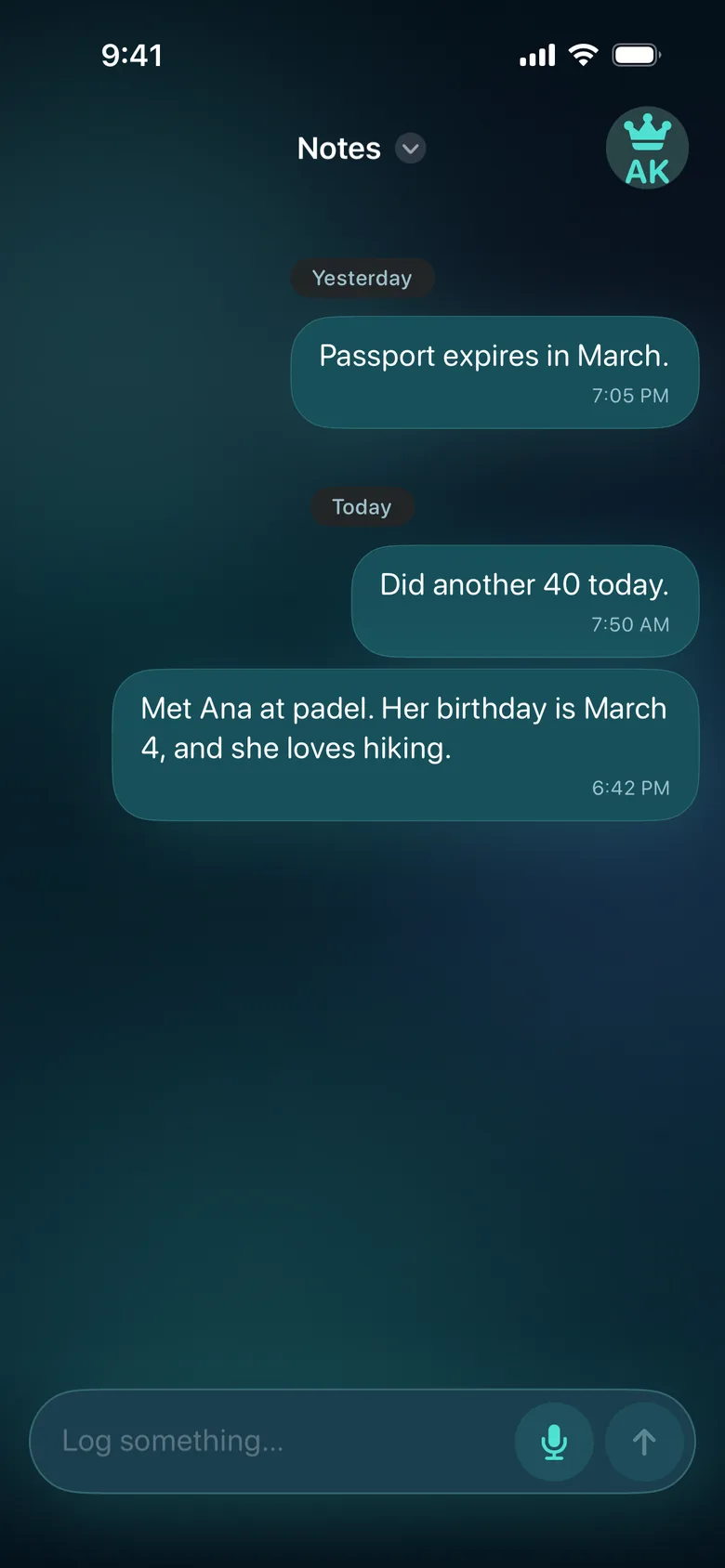
On your iPhone
A saved text note
In Claude or ChatGPT
What do I know about Ana from padel?
Say now
Goal: 300 squats this week.
Did another 40 today.
Ask later
How many squats have I completed this week?
Say now
Product idea: add custom onboarding examples for different users.
Ask later
Collect my product ideas from this month.
Your voice is transcribed on your iPhone and your notes are stored there. Only if you turn on Plus are your text notes (never audio) copied to our cloud, so your assistant can read them. That cloud copy is encrypted in transit and at rest, but not end-to-end. Read the Privacy Policy for the details.
By default, TapToNote uses the speech recognition built into iOS, which understands only the language you pick in Account → Language. For more accurate dictation, download the speech model: Account → Dictation → More accurate (iPhone 15 Pro or later). The model works best when you dictate in that same language.
Add a custom connector (MCP) with the address https://mcp-staging.taptonote.app/mcp, or follow the steps on the connect page.
The notes on your iPhone stay. Your cloud copy is kept for 365 days after Plus ends, then deleted.